Advanced AI that understands handwriting, detects errors, and generates personalized corrections automatically.
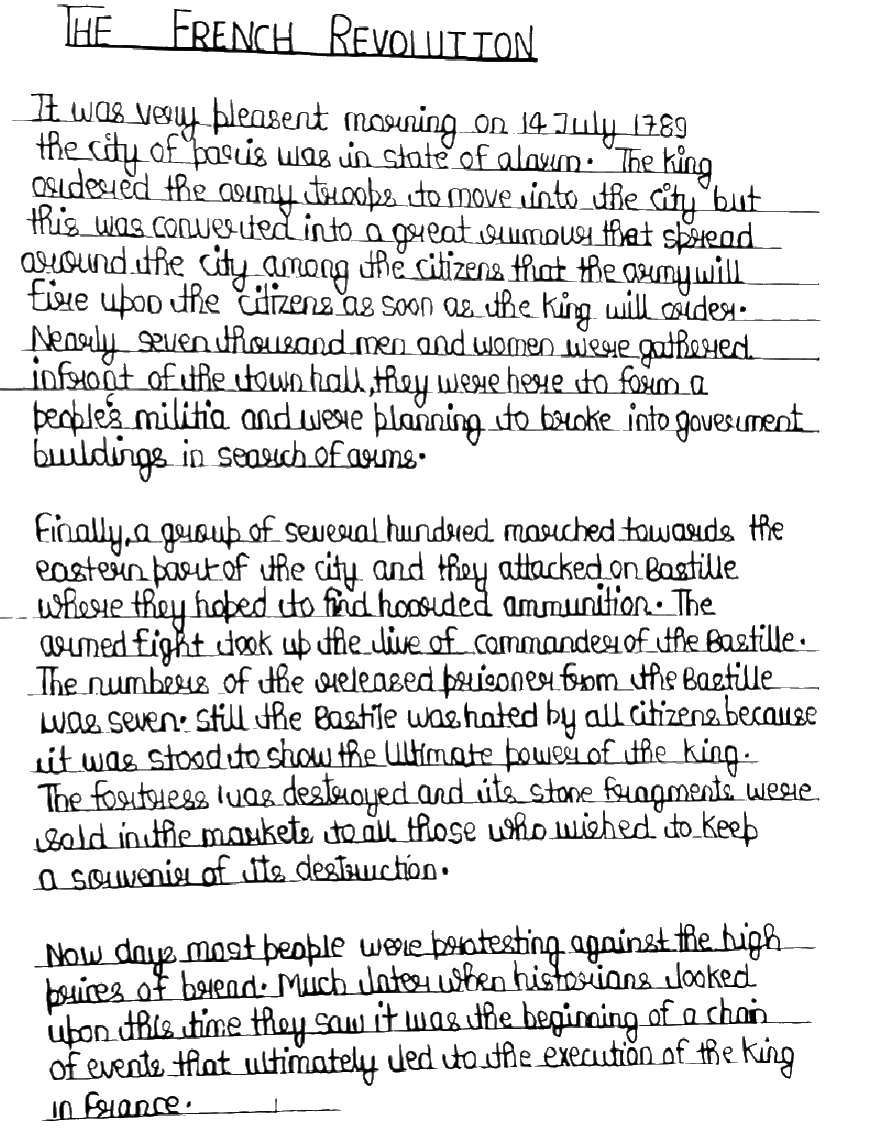
AI-powered analysis that categorizes issues and provides actionable, constructive feedback teachers and students actually understand.
Student Answer
Feedback
This is how Correcto brings clarity and structure to the grading process— every assignment, every time.
Streamline your entire grading workflow with tools designed for modern educators.
Class Management
Organize all your classes, assignments, and students in one clean, intuitive interface.
Smart Processing
Advanced OCR and AI vision automatically extract and analyze student submissions.
Intelligent Feedback
AI-powered analysis provides detailed, constructive feedback in 95+ languages.
Privacy First
EU data residency with full GDPR compliance and enhanced student protections.
Capture student work instantly through intelligent scanning or digital submissions—everything flows into one unified grading interface.
Intelligent Scanning
Snap photos of handwritten assignments, worksheets, or exams directly from your phone or tablet. The app automatically crops, enhances, and organizes each page.
Digital Submissions
Students can submit work digitally through their personal workspace portal, uploading photos or typing responses directly in a rich text editor with support for math equations, images, and formatting.
Unified Interface
Whether you're grading a stack of papers or reviewing digital submissions, all student work flows seamlessly into one unified grading interface.
Complete control over how feedback reaches students—from comprehensive PDF reports to instant online access.
Export & Share
Flexible distribution options
PDF Export
Download comprehensive PDF reports that combine the original work, your annotations, scores, and competency assessments—perfect for printing or emailing.
Student Portal
Enable the student workspace link to give students instant access to view their graded work online, complete with all your feedback and comments.
Your Control
Manage what and when to share
Flexible Control
Toggle sharing on or off at any time, and choose exactly what to include in each export: original work, feedback annotations, grades, or competency breakdowns.
Timing Control
Feedback can be released immediately or held until you're ready, giving you flexibility in your workflow.
Every student gets a personal, secure portal to view all their assignments, feedback, and track their progress.
My Assignments
English Literature • History • Math
Essay Assignment
French Revolution
Every student gets a personal, secure portal where they can view all their assignments in one place. Students see their submitted work alongside your detailed feedback—annotations, comments, and scores are displayed right on their documents.
Math Quiz
Algebra Equations
Students see their submitted work alongside your detailed feedback—annotations, comments, and scores are displayed right on their documents.
Progress Tracking
Review competency assessments to understand strengths and areas for growth, and track progress across multiple assignments. The workspace is organized by class, so students always know what's been graded.
Simple Access
No login complexity—students access their workspace through a unique, secure link that works on any device.
Join beta testers shaping the future of AI grading. Be among the first.
Limited beta spots • Early access